
Accessible color states usually hinge on at least 4 distinct cues—base, hover, focus, and status—so the interface tells people what is clickable, what is…

How to Create a Design System Launch Checklist
A design system launch checklist for a new project usually needs 15 to 30 items, covering foundation, components, documentation, handoff, and launch…
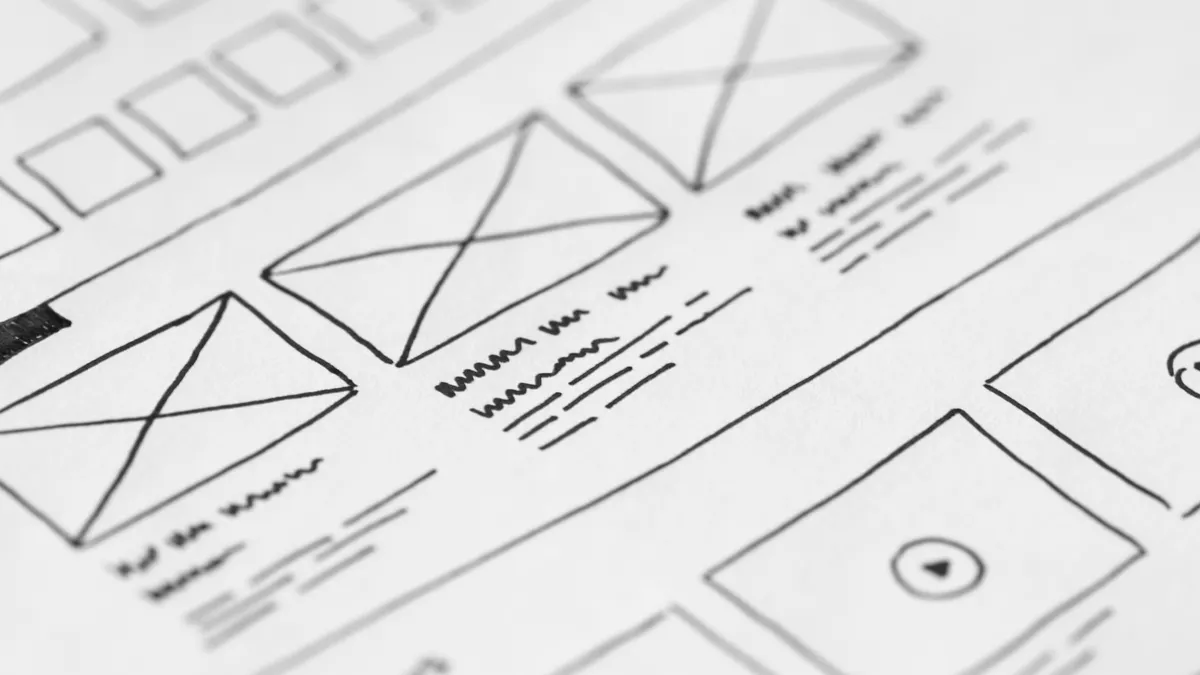
How to Audit a Design System for Inconsistencies
A design system audit usually starts with 1 fixed inventory and ends with 1 ranked cleanup list . It is a structured check for where components, tokens…
How to Organize Figma Files and Pages for Large UI Projects
How to Organize Figma Files and Pages for Large UI Projects is mostly about making a shared workspace legible when dozens of screens, multiple…

How to Version and Release Design System Updates Safely
Use a 3-part version number and a written migration note for every non-trivial release. Versioning a design system safely means treating How to Version…
How to Use Figma Variables for Colors, Spacing, and Modes
How to Use Figma Variables for Colors, Spacing, and Modes: Figma Variables for Colors, Spacing, and Modes let you control colors, spacing, and mode-based…
Figma Workflow Automation: The Complete Guide
Figma workflow automation helps teams save time on repetitive file cleanup, handoff, exports, and design system upkeep; for many teams, the first win is a…

How to Use Figma FigJam for Early UI Planning
How to Use Figma FigJam for Early UI Planning: use Figma FigJam for Early UI Planning when you need one shared board to define the flow, users, and…
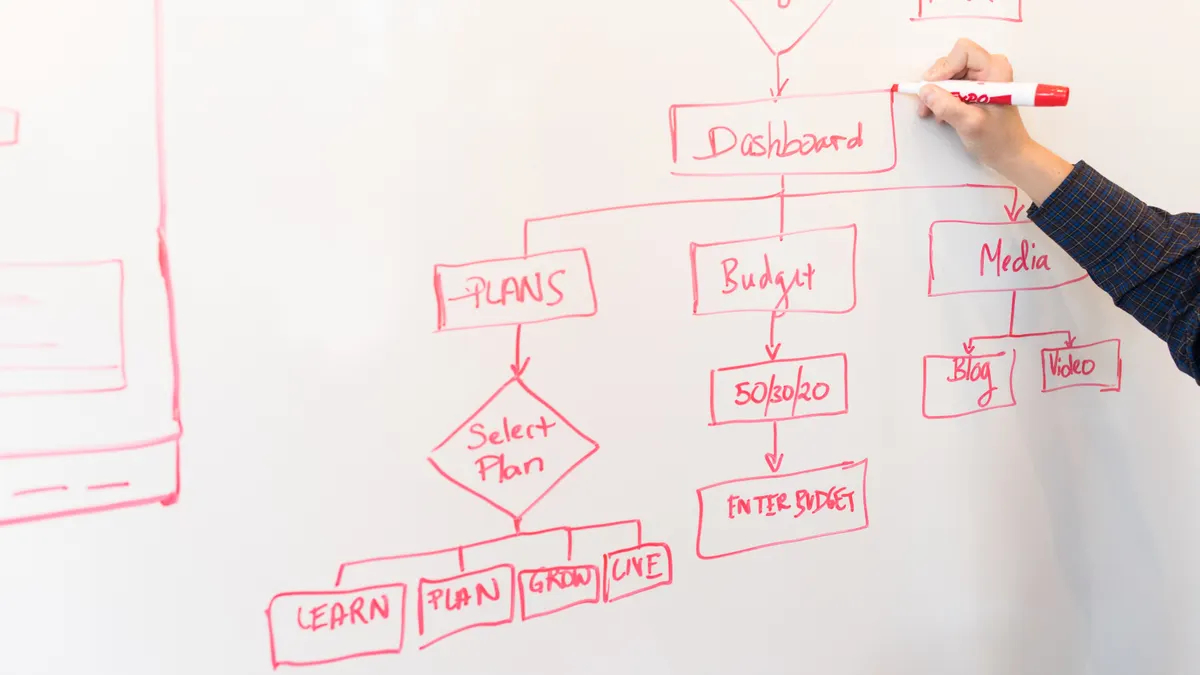
How to Run a Design System Contribution Process
A design system contribution process is the path from a contributor’s idea to a maintained pattern, component, or documentation update that the system can…

How to Prototype Interactive States in Figma Without Code
Figma prototyping is often a fast way to check whether a button, menu, or card state behaves the way a UI system needs it to, without writing code. This…